PicsWord
Learn to recognize words through colorful pictures, interactive questions, and playful activities.
Word RecognitionAn interactive educational Android game for preschool learners ages 3–4, featuring word recognition, basic mathematics, and audio storytelling.

Three engaging learning experiences in one app.
Learn to recognize words through colorful pictures, interactive questions, and playful activities.
Word RecognitionExplore numbers and develop early mathematics skills through age-appropriate quizzes.
Basic MathematicsListen to stories, explore their lessons, and answer interactive comprehension questions.
Listening & StoriesExplore the fun learning activities in our Android app.
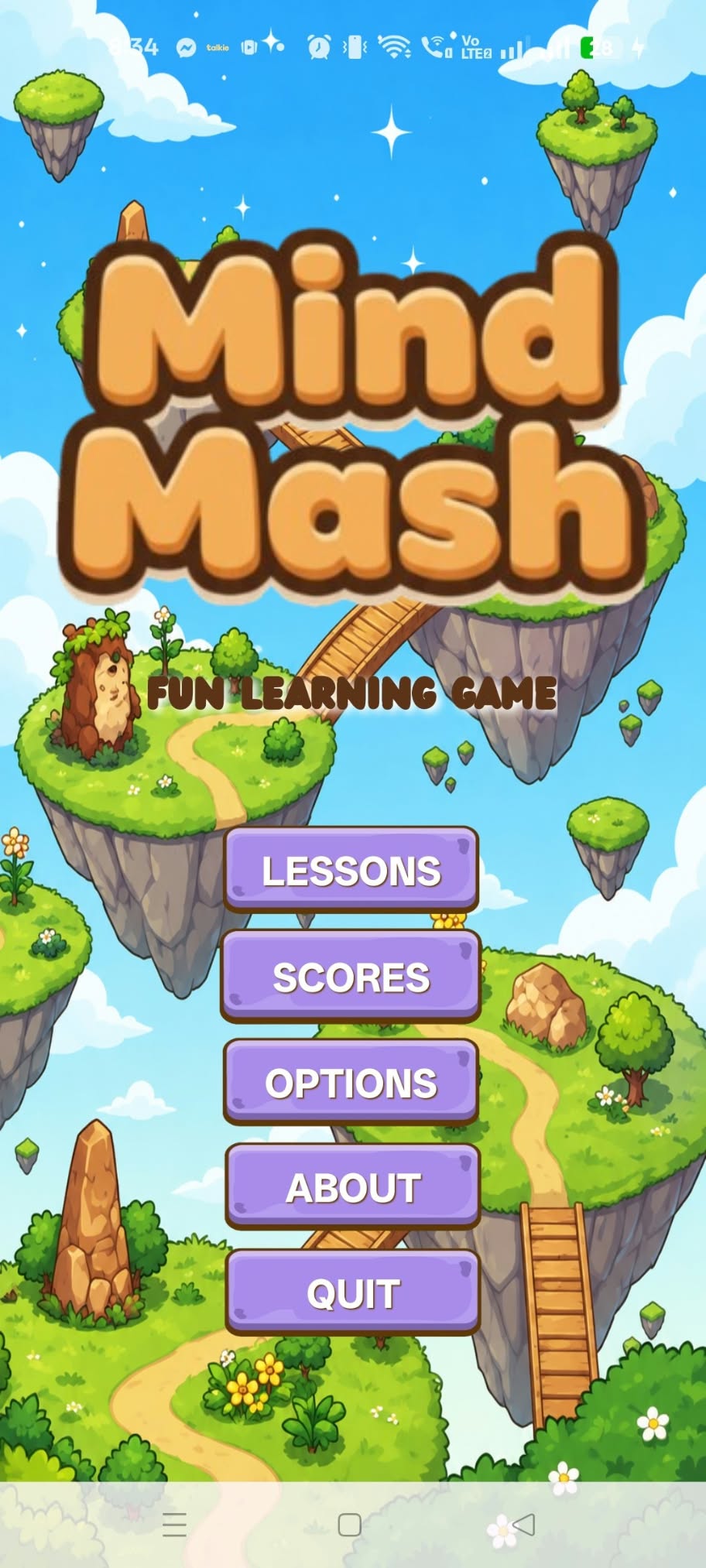
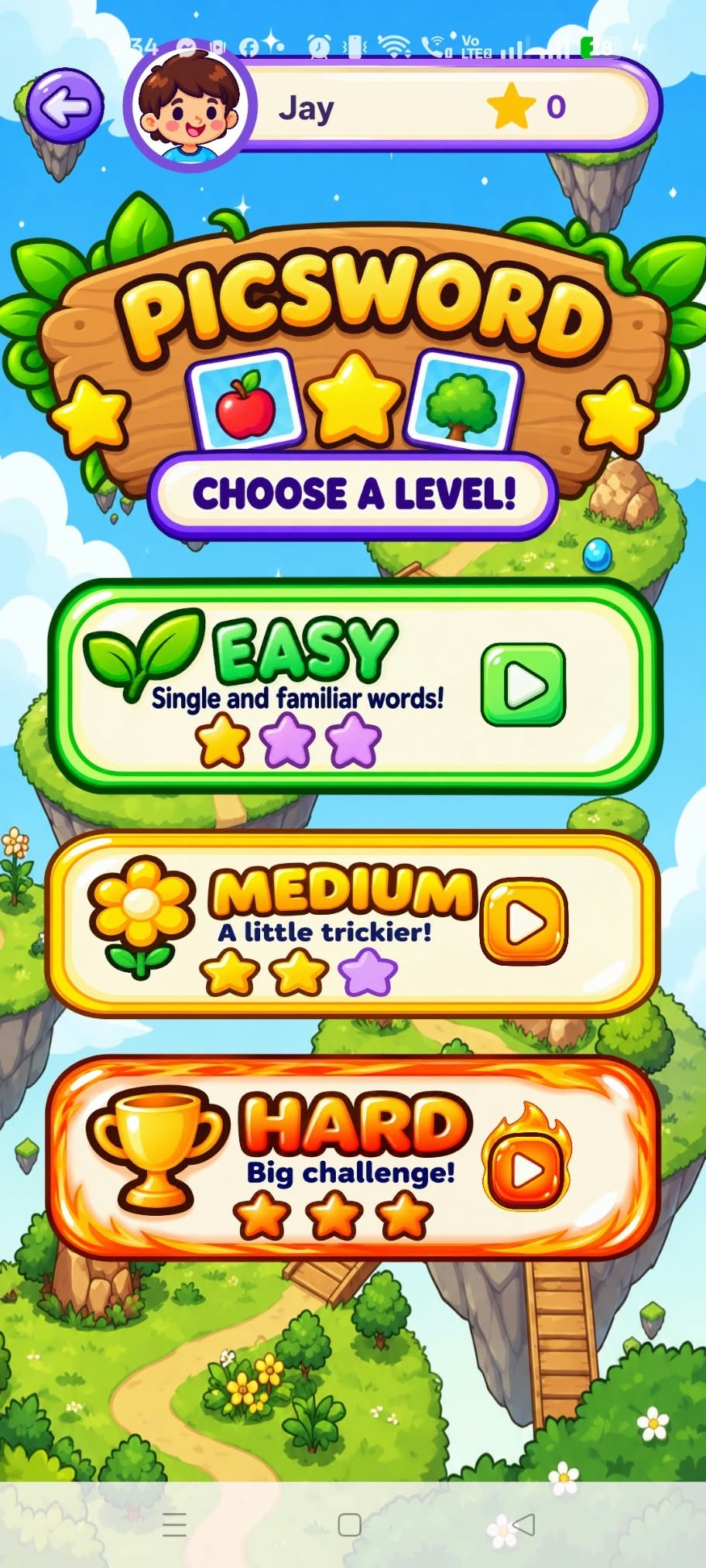
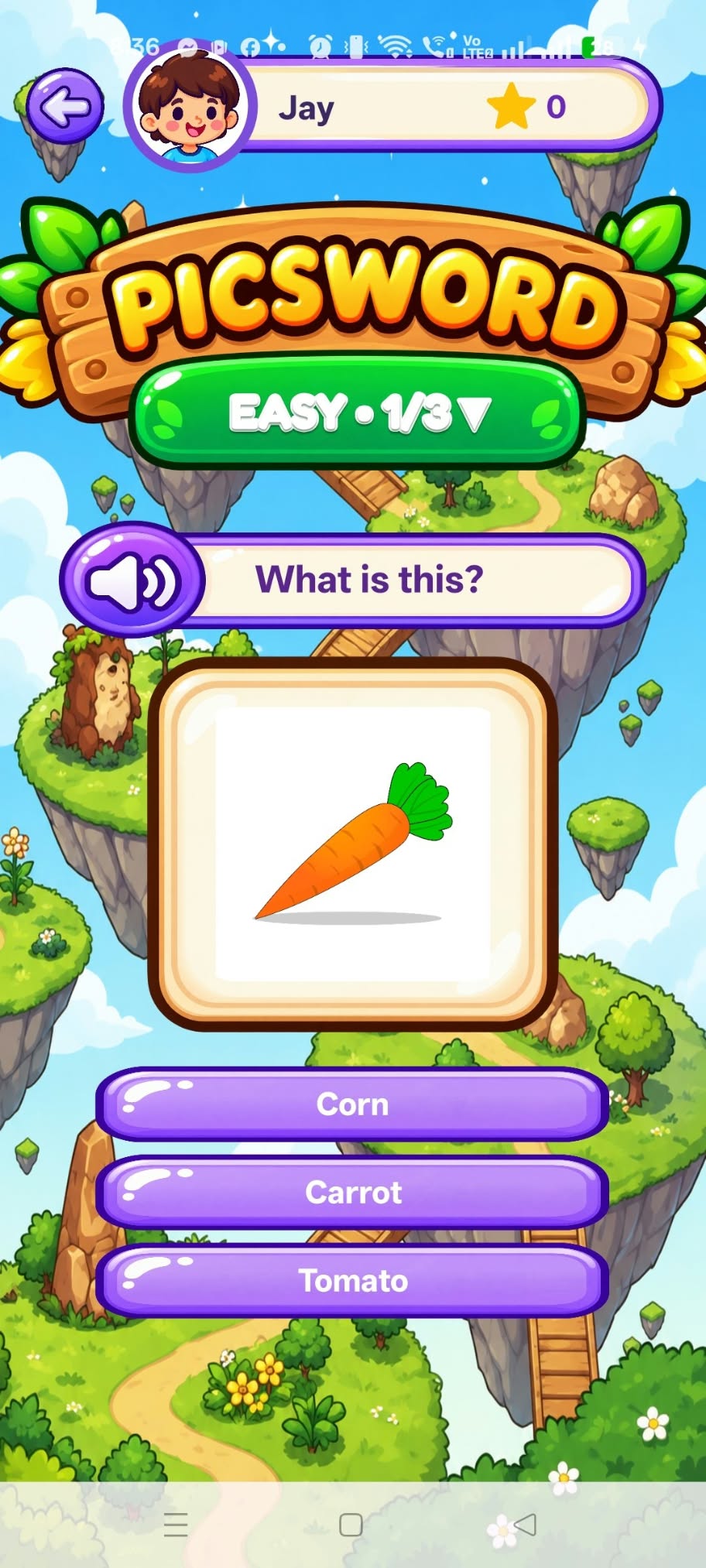
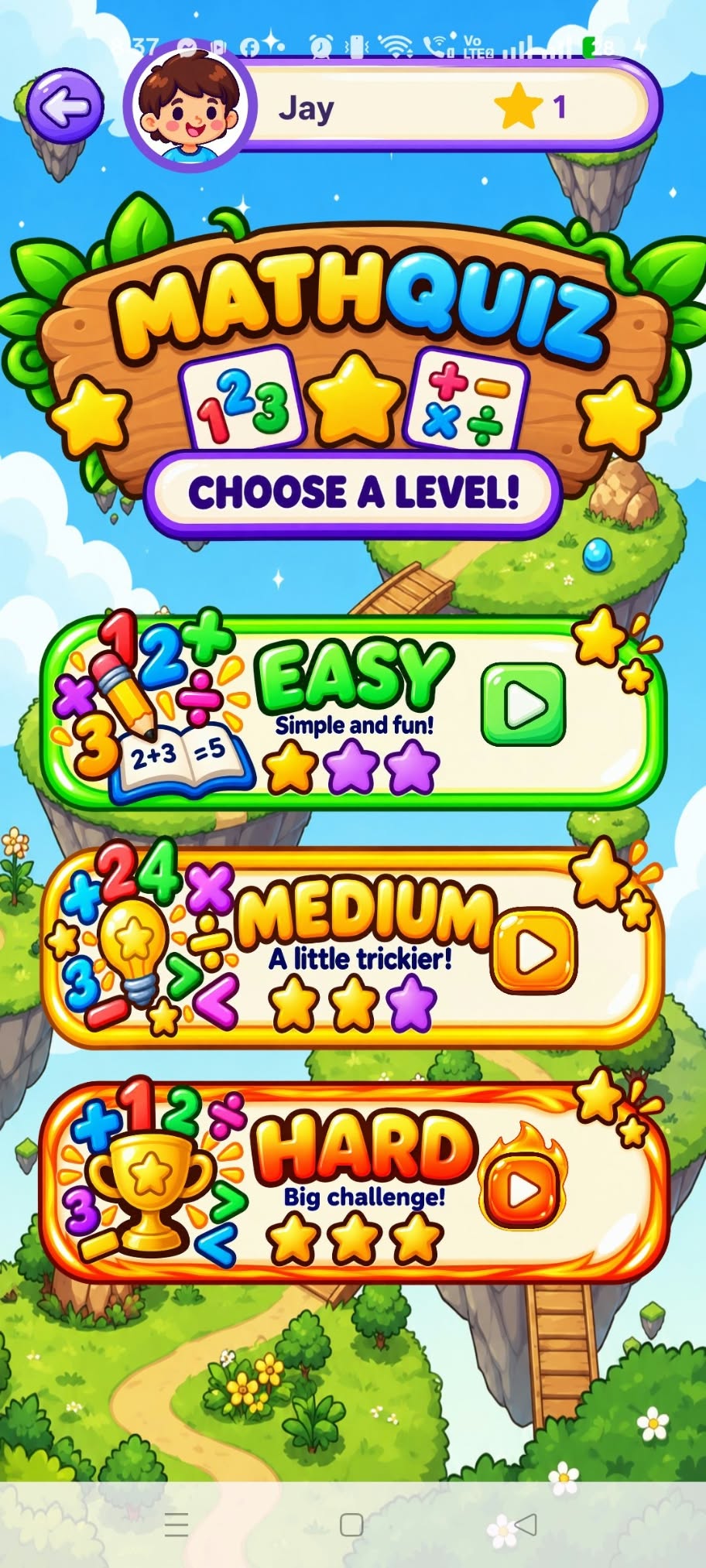
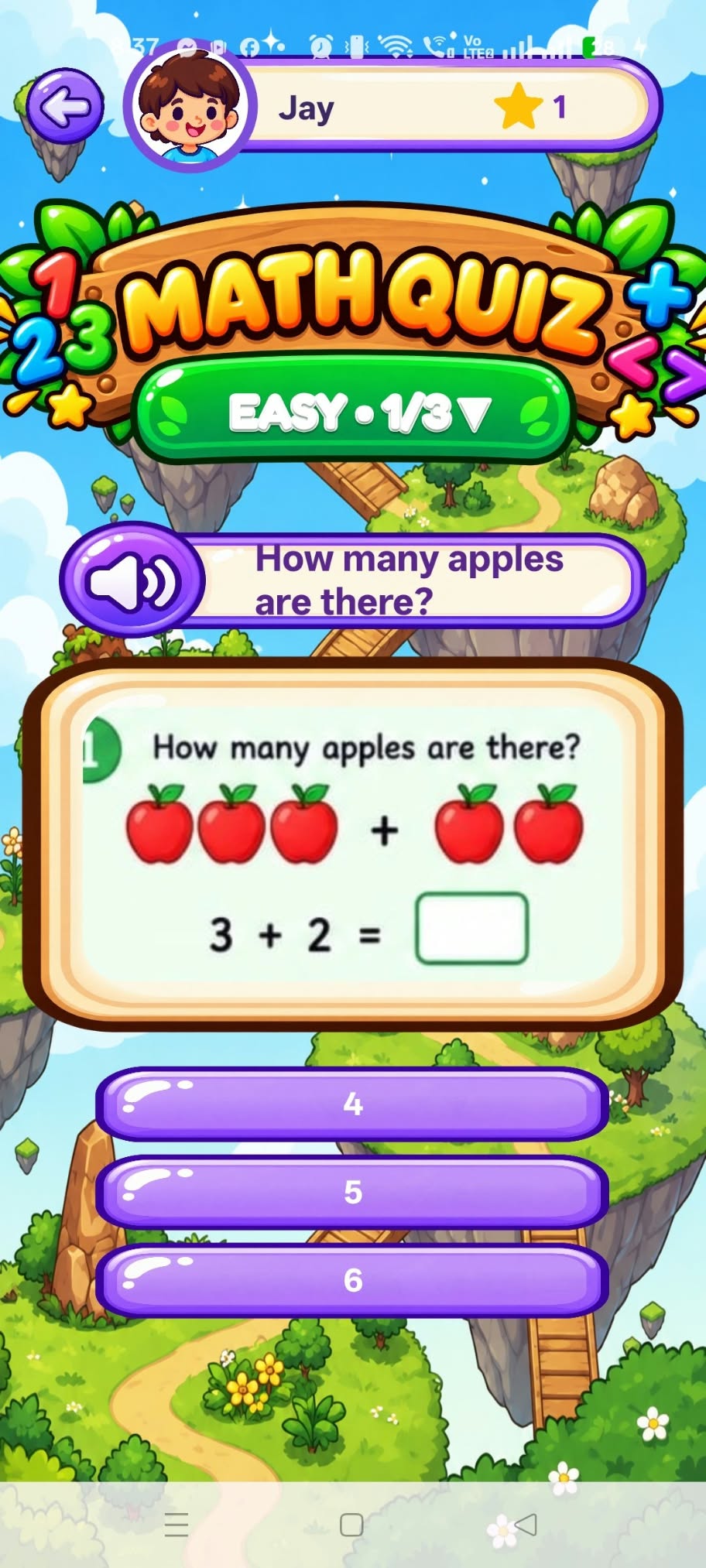
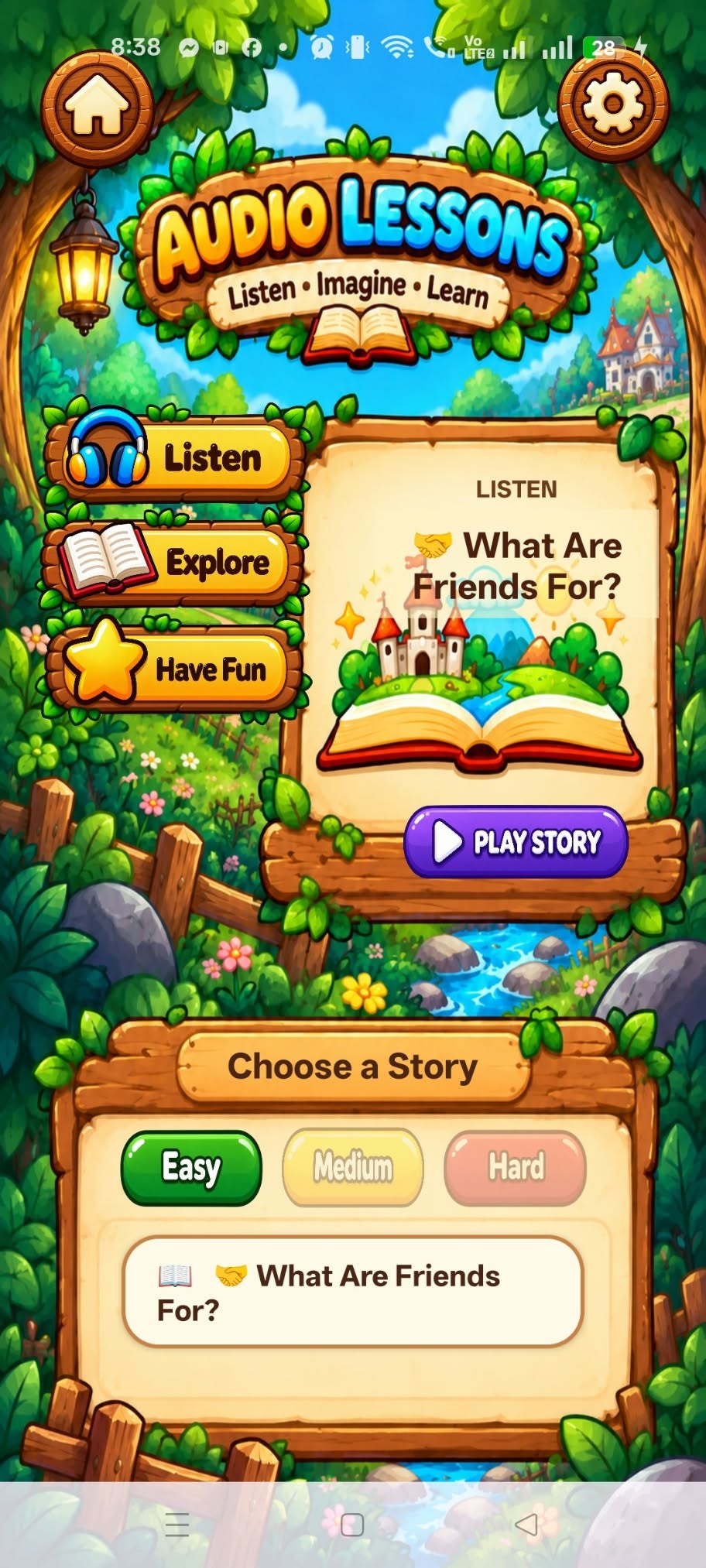
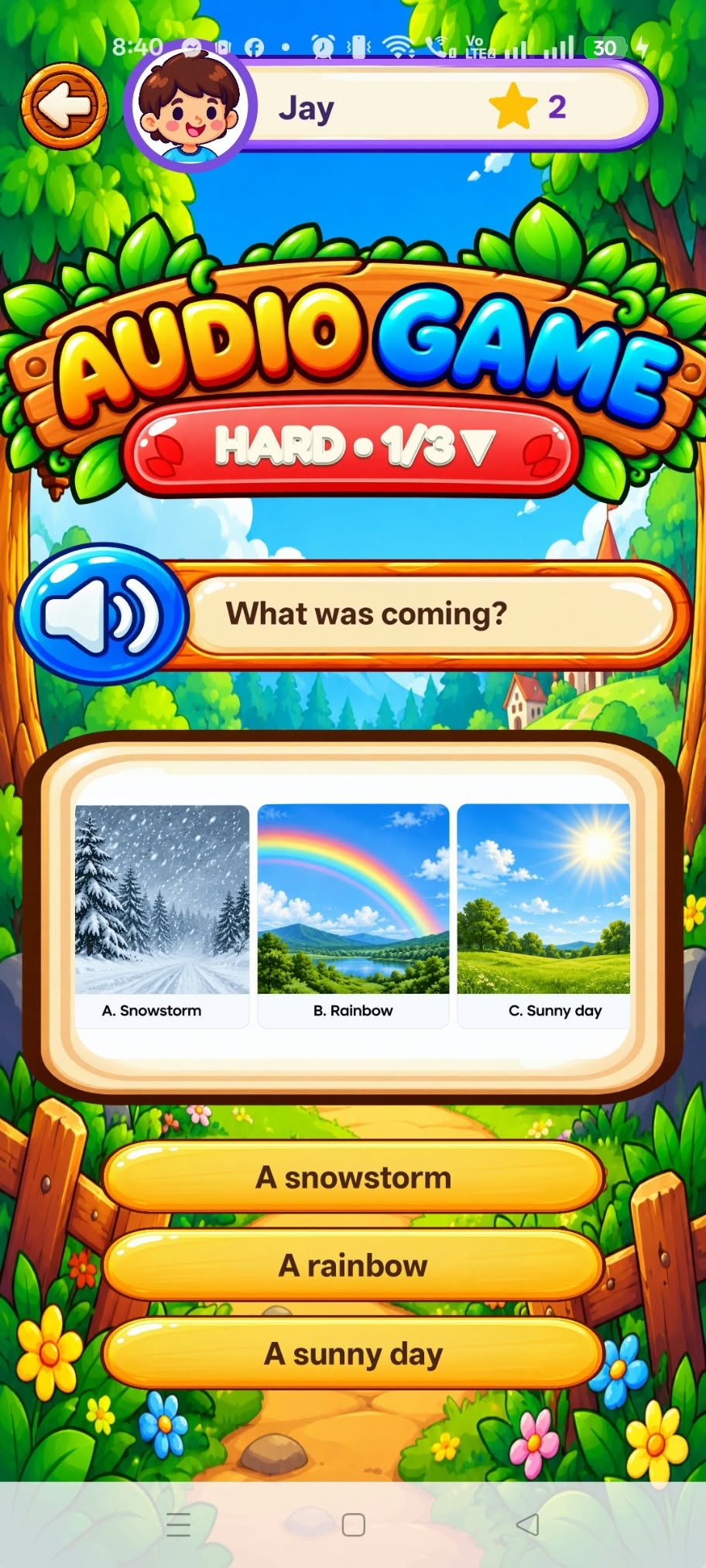
Swipe left or right to explore screenshots. Tap an image to enlarge.
Fun rewards for completing learning activities.
Easy, Medium, and Hard difficulty levels.
Monitor learning progress and performance.
Get Mind Mash on your Android device and start exploring fun educational activities.
Download will be available soon.
This app is distributed outside Google Play. Android may ask you to allow installation from your browser or file manager.
Follow these simple steps on your Android device.
Tap the official download button above on your Android phone.
Open the downloaded APK from your browser or Files / Downloads app.
If Android blocks the installation, tap Settings in the warning. On some phones, go to Settings → Apps → Special app access → Install unknown apps.
Turn on Allow from this source for the browser or file manager you used. The menu name varies by device and Android version.
Return to the APK installation screen, tap Install, and open Mind Mash after installation.
For added security, return to the same settings page and turn off Allow from this source after installing.
Only install the APK from the official link on this page. Do not ignore or bypass Play Protect or other security warnings. If Android flags the app, stop and contact the project team.
App version:
A SHA-256 checksum helps verify file integrity when compared with a trusted value; it does not replace Android's APK signature verification or malware scanning.
Installation steps may differ depending on your Android version and phone manufacturer. Parents or guardians should supervise installation and use.